
Grow 3 min read
AI features
AI सुविधाएँ
Ask about your sales, get a daily briefing, read bills from photos, speak entries, forecast demand and see your savings.
अपनी बिक्री के बारे में पूछें, रोज़ की ब्रीफ़िंग पाएँ, फ़ोटो से बिल पढ़ें, बोलकर एंट्री करें, माँग का अनुमान और बचत देखें।
What it does
An AI assistant answers questions about your restaurant in English, Hindi or Hinglish, from your own data.
It reads supplier bills and menus from photos, turns spoken purchases and orders into drafts, and forecasts demand.
AI only drafts and suggests. A person always confirms before anything changes.
- Who uses it
- OwnerManagerChefStorekeeperCashier
- Everyone can use the help chat. The assistant and savings counter are for owners and managers.
- Which plan
- AI help chat, menu from a photo and savings counter: Starter and above · AI assistant, AI inbox and demand forecast: Professional and above
- AI answers count against your plan's monthly AI calls: Professional 1,000, Business 5,000. On Free the help chat answers from the help articles, and you can create a ticket.
- Where to find it
- Dashboard, AI Assistant, AI inbox, Demand forecast, Savings, and the mic at the top
How to
Read the daily briefing
Dashboard → AI daily briefing
- Step 1: Open the Dashboard.
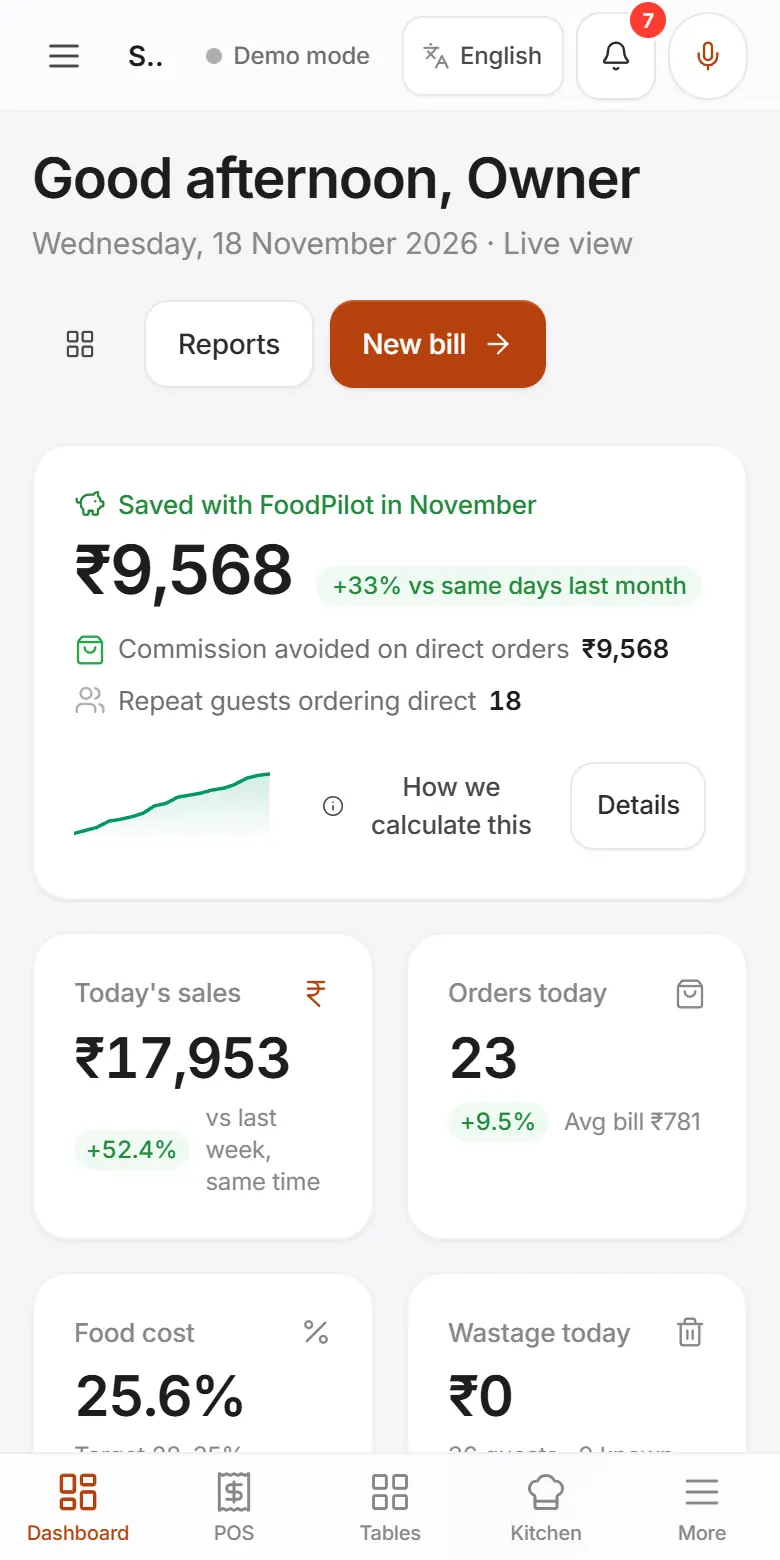
- Step 2: The AI daily briefing lists up to 7 things: sales, stock risks, margins and anything unusual.
- Step 3: Tap an item's link to act on it, or Ask a question →.
Ask the AI assistant
AI Assistant
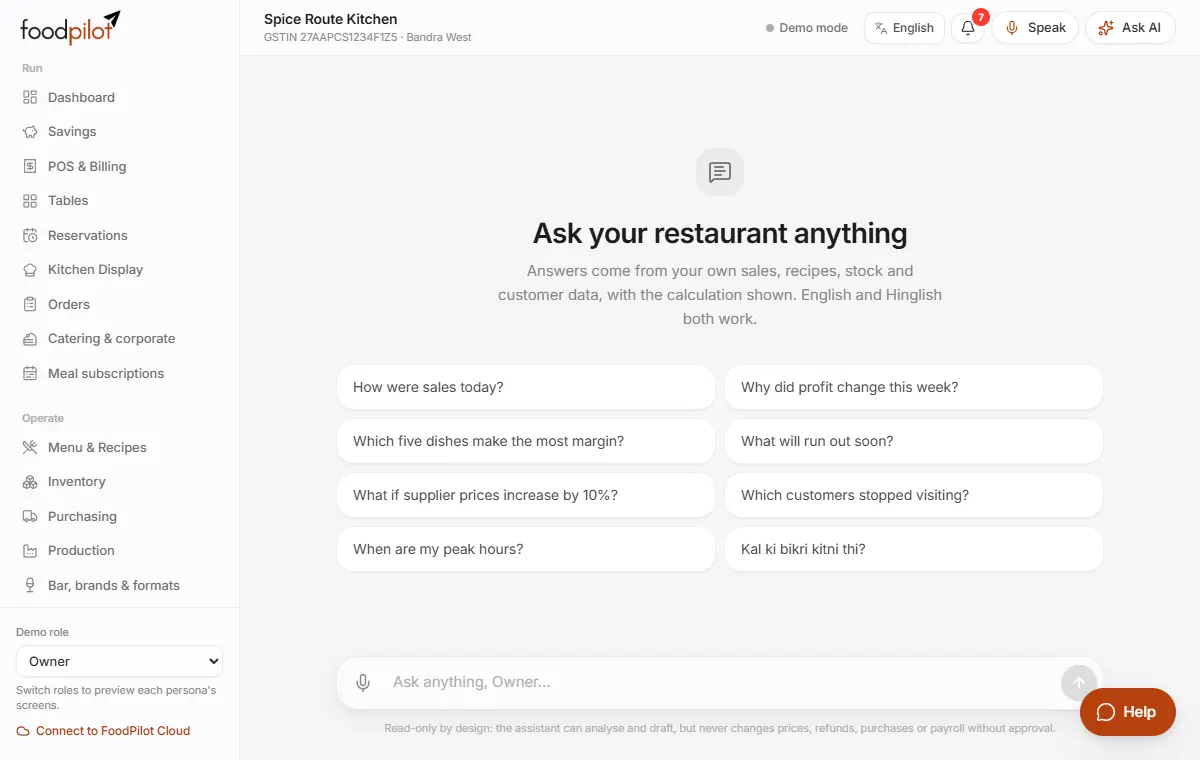
- Step 1: Open AI Assistant.
- Step 2: Type or tap the mic and ask, for example "How were sales today?" or "Kal ki bikri kitni thi?".
- Step 3: Each answer shows its Source, so you can check it.
Speak a purchase, expense or order
Mic at the top (Alt+V) → Speak → Confirm
- Step 1: Tap the mic at the top (Voice entry), or press Alt+V on a keyboard.
- Step 2: Choose Speak, Type or Photo. Say, for example, "dhai kilo pyaaz 400 rupaye Sharma se".
- Step 3: Check the draft and tap Confirm. Nothing is saved until you confirm. Orders go to the POS with Send to POS.
Read a bill or menu from a photo
- Step 1: Supplier bill: Purchasing → Bills → Scan invoice.
- Step 2: Menu card: Menu & Recipes → Import → From photo/PDF.
- Step 3: Always check what it read before you save.
Act on AI suggestions
AI inbox → Find new suggestions
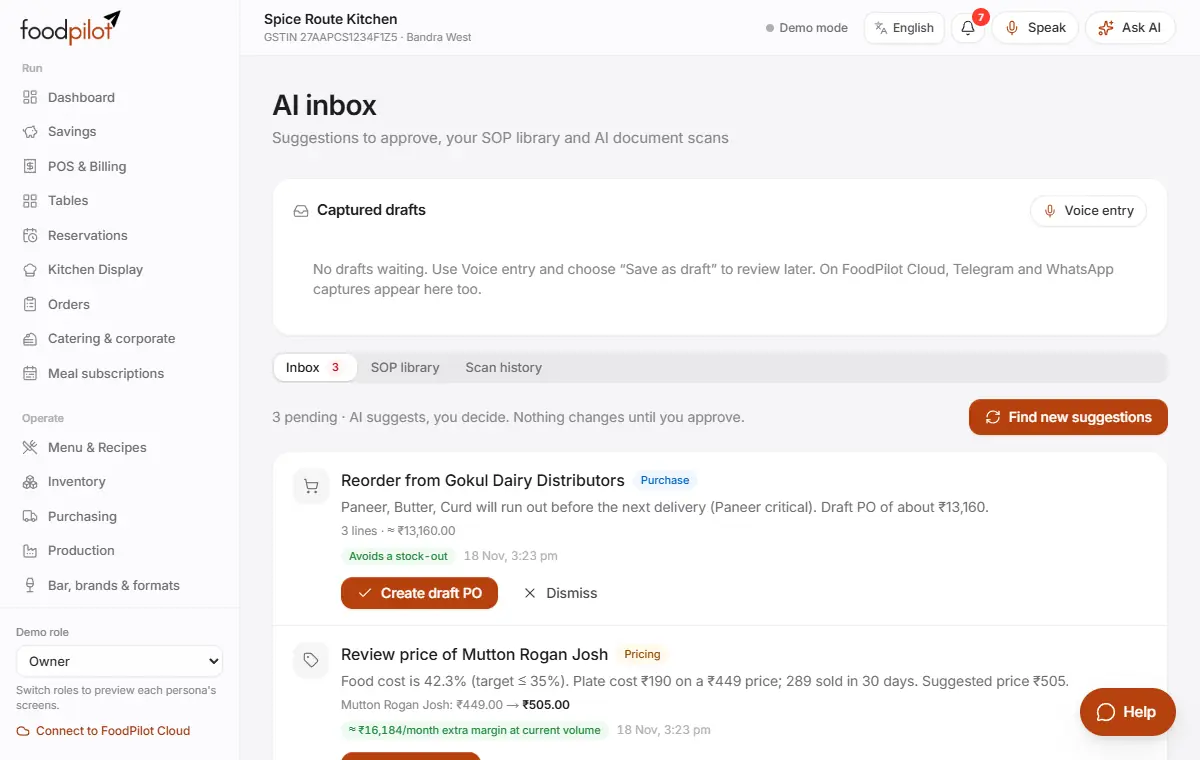
- Step 1: Open AI inbox and tap Find new suggestions.
- Step 2: Each card has an action such as Review price, Create draft PO or Create campaign draft. Or tap Dismiss.
- Step 3: SOP library answers staff questions from your own recipes and procedures.
Get help from the AI support chat
- Step 1: Tap Help: bottom right on a computer, at the top on a phone.
- Step 2: Ask in Hindi or English. It answers 24×7 from FoodPilot's help articles and your setup.
- Step 3: Not solved? Tap Create a ticket and our team picks it up the next morning.
- Step 4: Never share passwords, OTPs, PINs or card numbers in the chat.
Forecast demand
Demand forecast
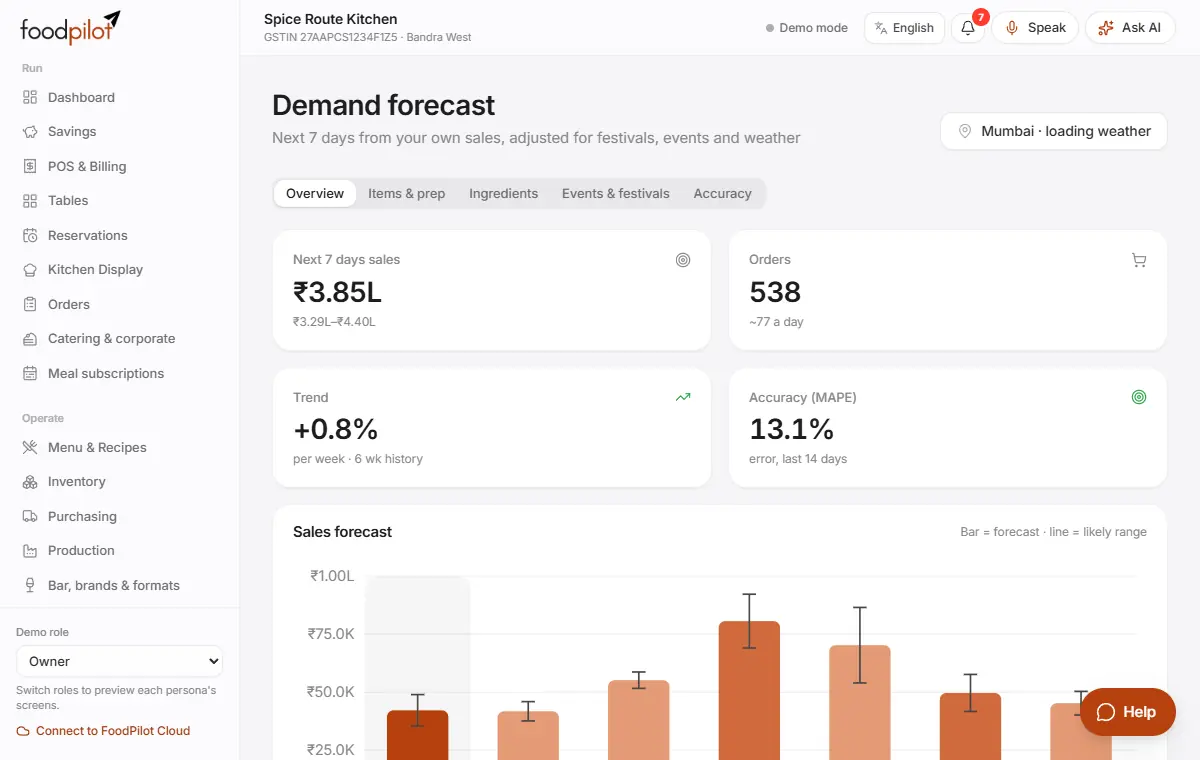
- Step 1: Open Demand forecast. It uses your sales by weekday and hour, Indian festivals and the weather.
- Step 2: Items & prep shows what to prepare. In Ingredients, tap Draft purchase orders.
- Step 3: Add local events, such as a wedding nearby, in Events & festivals → Add event.
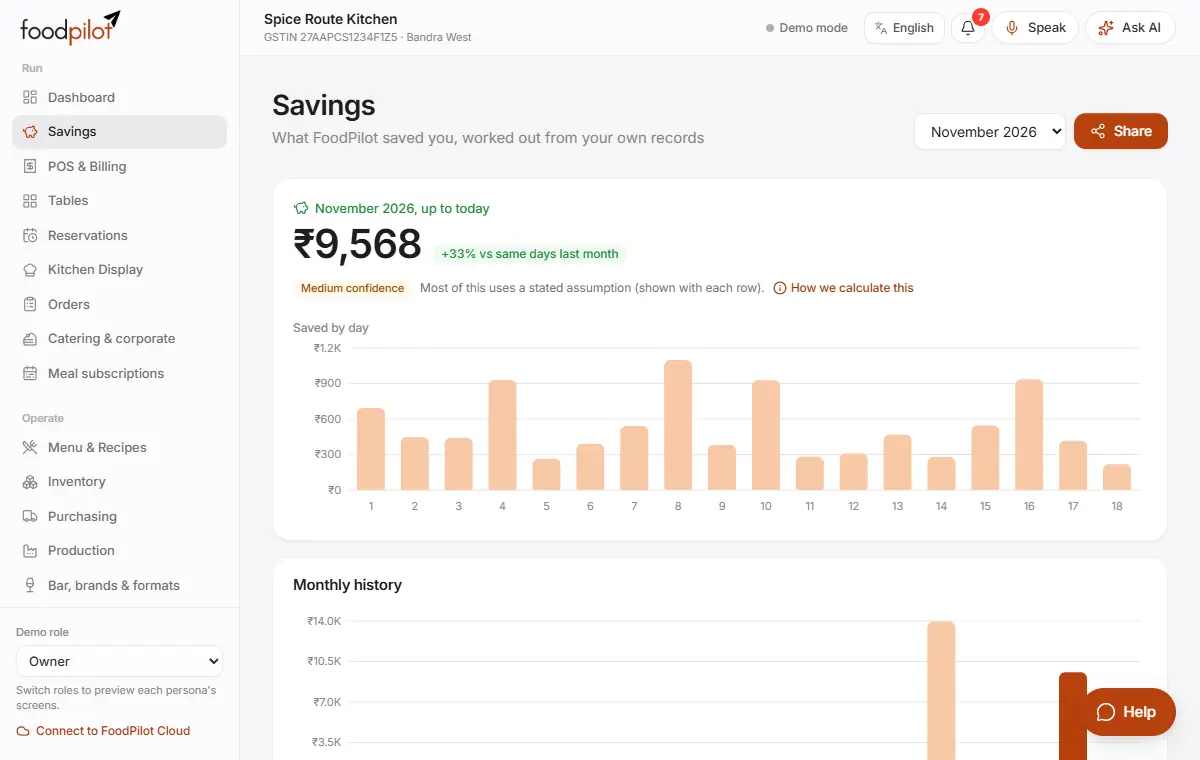
See what FoodPilot saved you
Savings → How we calculate this
- Step 1: Open Savings.
- Step 2: It adds up commission avoided on direct orders, cheaper supplier prices, less wastage, leakage stopped by approvals, and gains from menu price changes.
- Step 3: Tap How we calculate this to see the method. Every rupee traces back to your own records.
Tips
- If the AI is busy or your monthly AI calls are used up, billing keeps working and the help chat shows help articles.
- Voice entry works best in Chrome or Edge.
- AI never changes prices, approves purchases or gives refunds by itself.
Common problems
- It says voice input isn't supported in this browser.
- Use Chrome or Edge, or type instead.
- It says photo reading needs FoodPilot Cloud with AI.
- Photo reading doesn't work in the offline demo. Type or speak the bill instead.
- The forecast says there isn't enough sales history yet.
- It gets better after about 8 weeks of sales.
Coming soon
- An AI manager that drafts purchases, rosters and price changes for your approval