
Money 3 min read
Finance, day close and reports
हिसाब, दिन बंद करना और रिपोर्ट
Close the day in two minutes, track cash and expenses, and see profit, sales and reports.
दो मिनट में दिन बंद करें, नकद और ख़र्च पर नज़र रखें, और मुनाफ़ा, बिक्री व रिपोर्ट देखें।
What it does
Close the day in about 2 minutes: count cash, match UPI and card, clear open bills, hand over, and get the Z report.
Track the cash drawer, expenses, budgets and bank settlements.
See profit and loss, cash flow and sales, or build your own reports and get them on WhatsApp or email.
- Who uses it
- OwnerManagerAccountantCashier
- Which plan
- Reports: every plan · Finance and day close: Growth and above · Analytics: Professional and above
- Where to find it
- Sidebar → Finance, Reports & GST, Analytics
How to
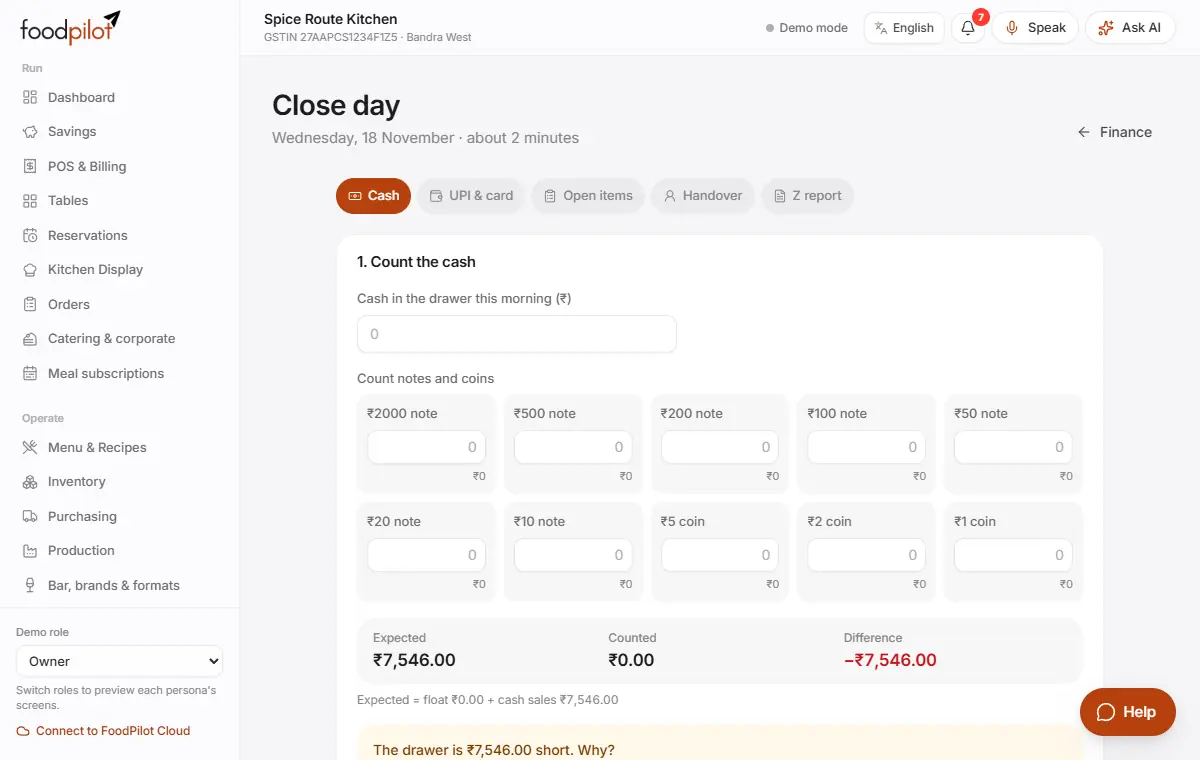
Close the day
Finance → Close day
- Step 1: Tap Close day on the Finance page. It's also on the dashboard at closing time, and on an empty POS ticket.
- Step 2: Count the cash: enter how many of each note and coin you have. FoodPilot shows expected against counted. If it's more than ₹100 short or extra, pick a reason.
- Step 3: Tap Next: UPI & card. Tap All match, or enter the amount for each way of paying.
- Step 4: Tap Next: open items. Fix open bills with Open bill, Free table or Confirm, or tap Leave open, continue.
- Step 5: Tap Next: handover. Choose who takes over, or Nobody, closing for the night, and leave a note.
- Step 6: Tap Close day & make Z report. Then Print / save PDF or Share on WhatsApp.
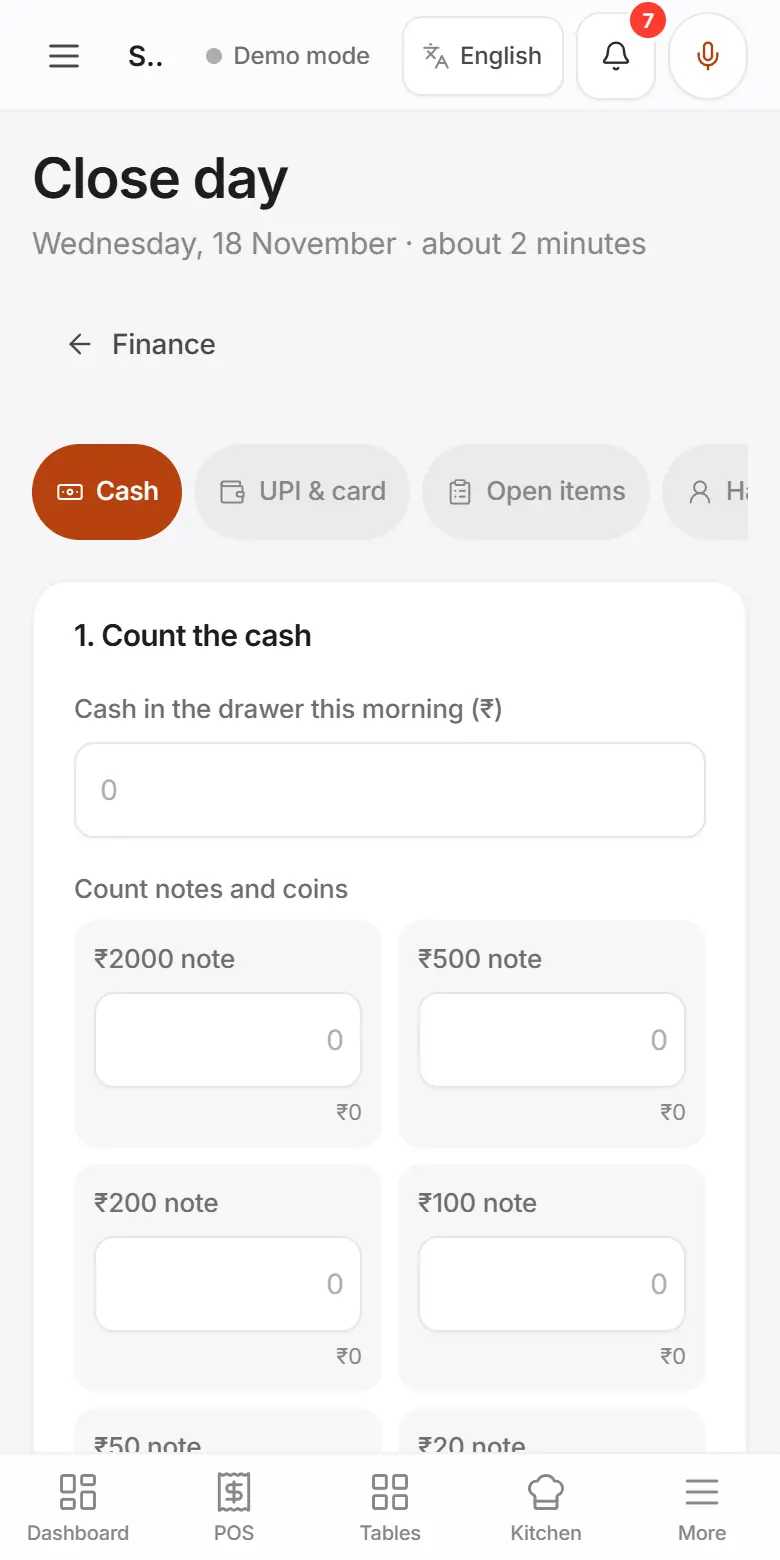
Open and close the cash drawer
Finance → Cash register
- Step 1: At the start of a shift, enter the Opening float (₹) and tap Open drawer.
- Step 2: Record Cash in and Cash out during the day. Tap X report any time for a mid-shift summary.
- Step 3: At the end, tap Close drawer, count the cash, explain any difference, and tap Close & print Z.
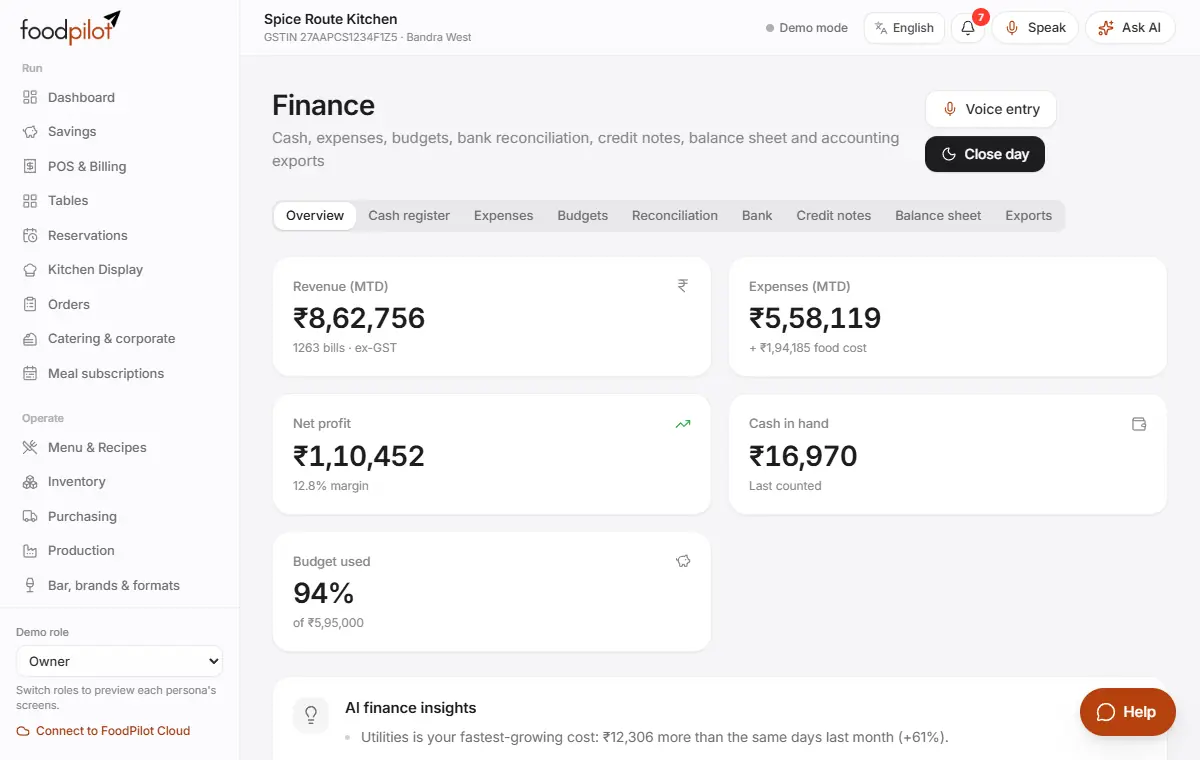
Add an expense
Finance → Expenses → Add expense → Save
- Step 1: Tap Add expense. Choose the category, amount, date, who paid and the vendor. Tap Save.
- Step 2: Or tap Voice entry and say it.
- Step 3: Tap Post recurring to add rent and other regular costs.
Check bank settlements
Finance → Reconciliation
- Step 1: Open Reconciliation.
- Step 2: For each day and way of paying, type what the bank or provider actually paid.
- Step 3: FoodPilot marks it Matched, Short or Excess.
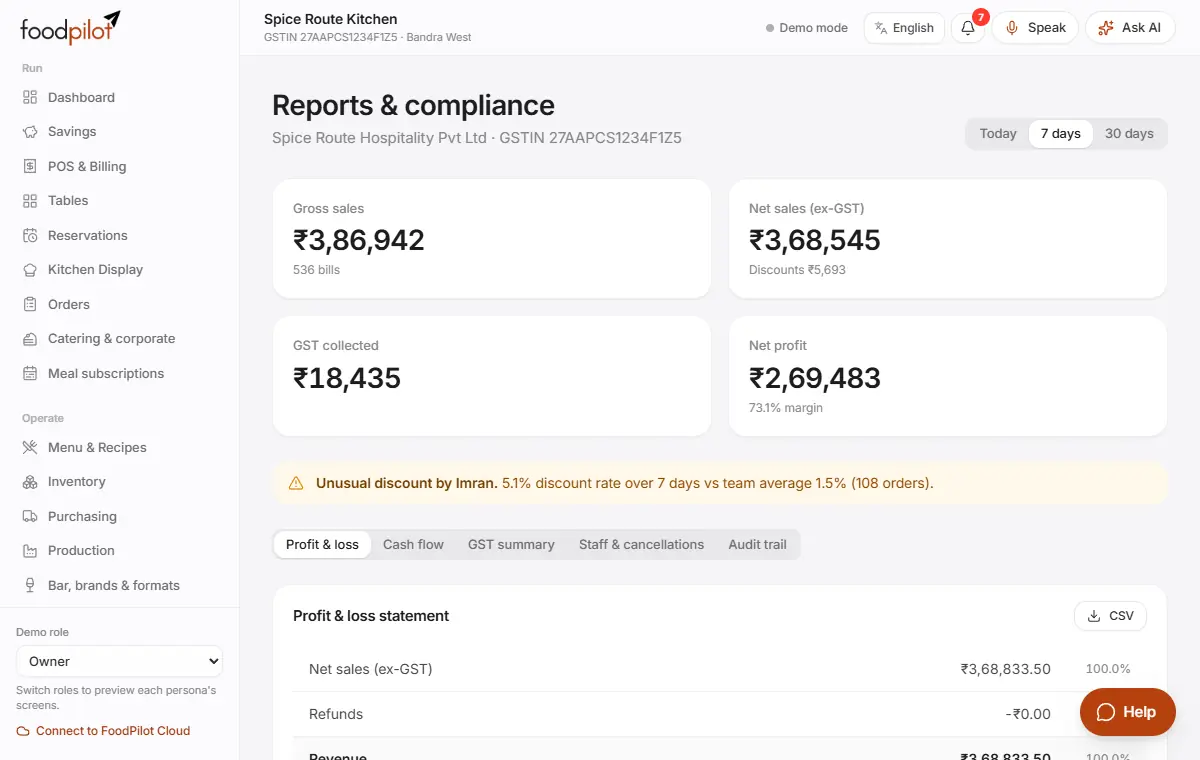
See profit and sales
Reports & GST → Profit & loss
- Step 1: Open Reports & GST and pick Today, 7 days or 30 days.
- Step 2: See gross and net sales, GST collected and net profit.
- Step 3: The tabs show Profit & loss, Cash flow, GST summary, Staff & cancellations and Audit trail. Tap CSV to download.
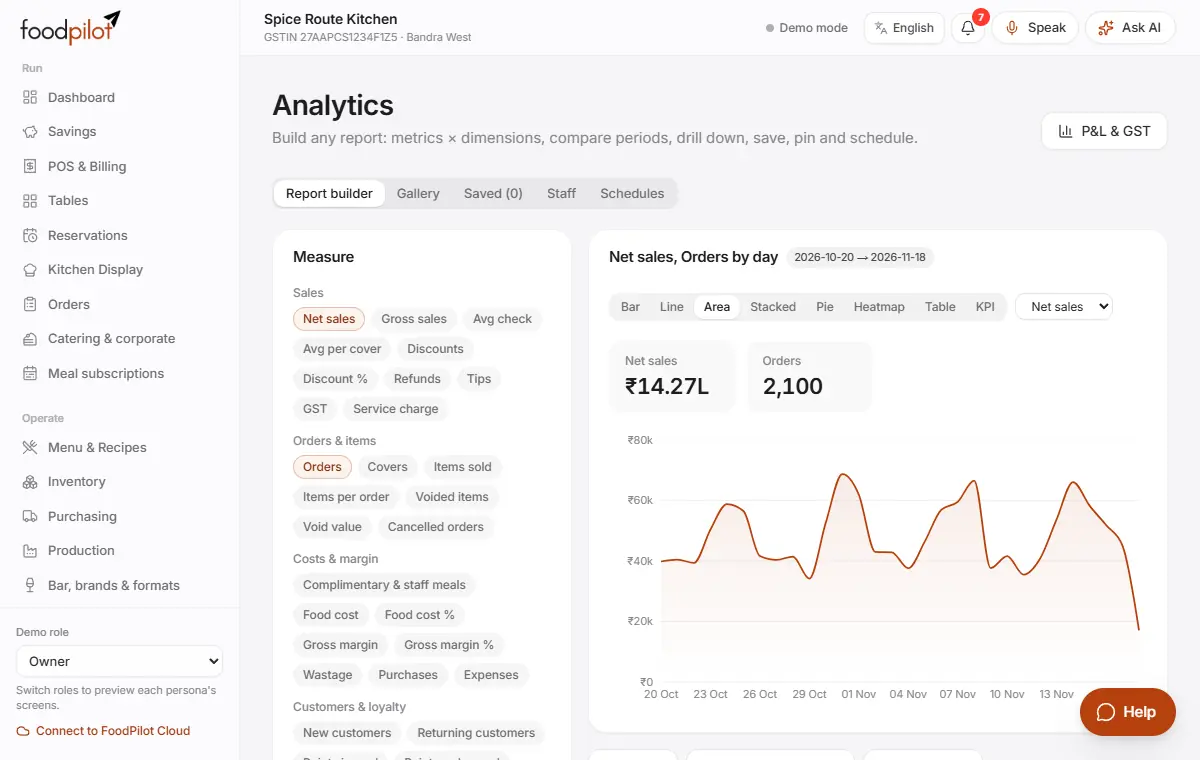
Build your own report
Analytics → Gallery → Pin to dashboard or Schedule
- Step 1: Open Analytics → Gallery and pick a template, for example Sales by channel or Hourly heatmap.
- Step 2: Change what you measure, how it's split and the filters. Compare with the previous period or last year.
- Step 3: Tap Pin to dashboard, or Schedule to get it daily, weekly or monthly on WhatsApp, Telegram or email.
- Step 4: Download it as CSV, Excel or PDF.
Tips
- Set your Usual closing time in Settings → Courses & day close. After that time, the dashboard reminds you to close the day.
- Day close works offline and syncs later.
- Cashiers close their own drawer in Finance → Cash register. Only managers and owners close the day.
- A sale after closing? Open Close day again and tap Close again (late sales).
Common problems
- It says only a manager or owner can close the day.
- Ask a manager. Cashiers can close their own drawer in Finance → Cash register.
- I can't go past Count the cash.
- There's a difference. Choose a reason for it, or write one.
- Today's bills from one counter are missing in reports.
- Reports include only bills that have synced. Check that counter is online.