
Devices & data 2 min read
Offline and sync
ऑफ़लाइन और सिंक
Keep billing without internet. Everything syncs safely when you're back online.
इंटरनेट के बिना भी बिलिंग जारी रखें। वापस ऑनलाइन होते ही सब सुरक्षित सिंक हो जाता है।
What it does
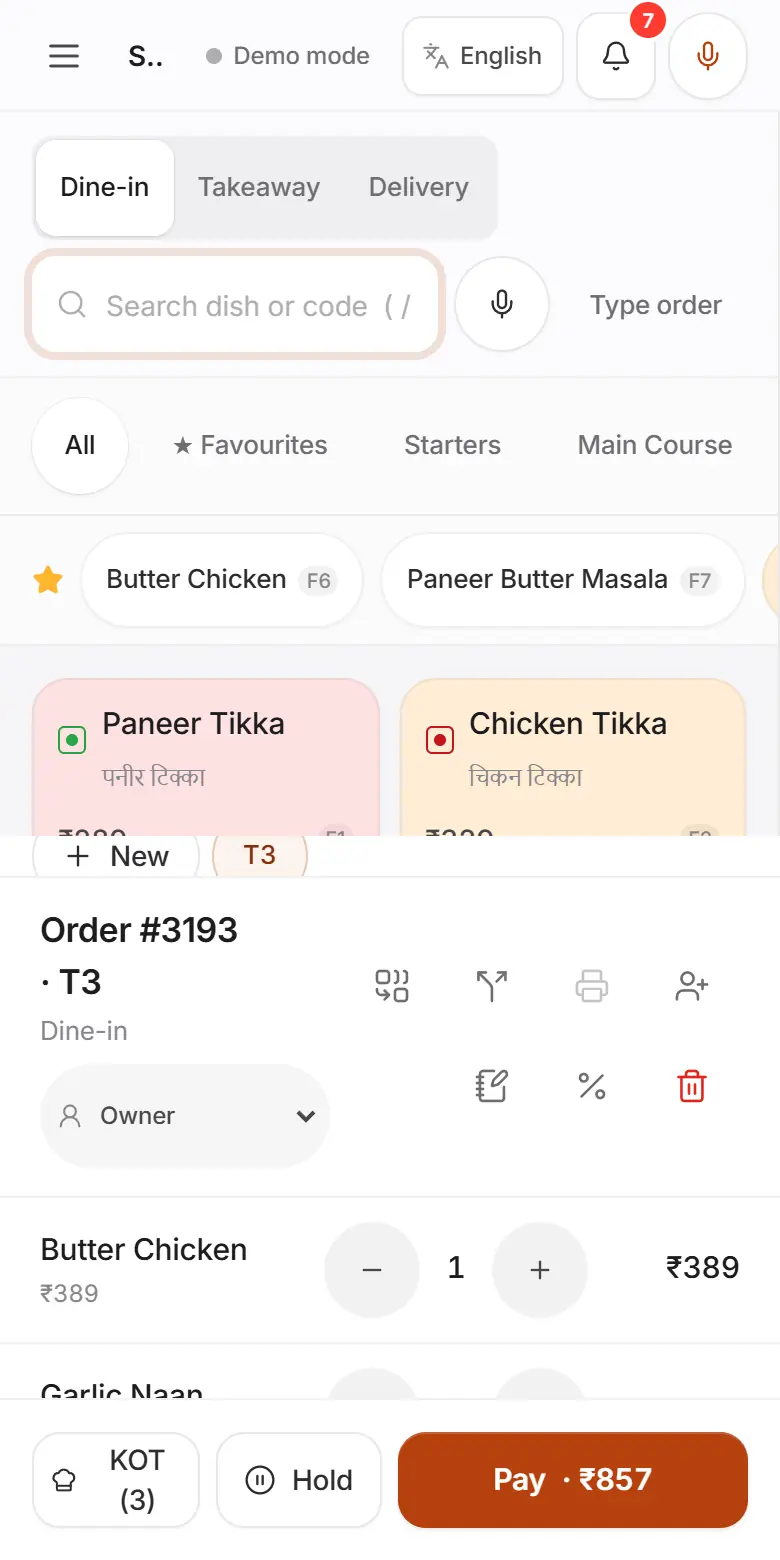
The POS takes orders, prints KOTs and settles bills with no internet. The app opens offline too.
Every change waits on the device and is sent in order when the connection returns, never twice.
Each device has its own invoice series, so bill numbers never clash.
- Who uses it
- CashierCaptainManagerOwner
- Which plan
- Every plan, including Free
- Where to find it
- The sync status at the top of the app, and Settings → Devices & sync
How to
Read the sync status
- Step 1: Synced or Live: everything is saved to the cloud.
- Step 2: Syncing N: N changes are being sent.
- Step 3: Offline · N queued: no internet. N changes are waiting safely on this device.
- Step 4: Retrying · N queued: FoodPilot is trying again.
- Step 5: Session expired · log in: log in again. Waiting changes are kept.
What works offline
- Step 1: Billing, KOTs to printers connected to this device, cash payments, the cash drawer and day close work offline.
- Step 2: These need internet: card machine and auto-UPI payments, e-bills, online and table QR orders, AI and the help chat.
Before you sign out
- Step 1: Wait until the status shows Synced.
- Step 2: If changes are still waiting, FoodPilot warns you. Signing out then would lose them.
Check sync details
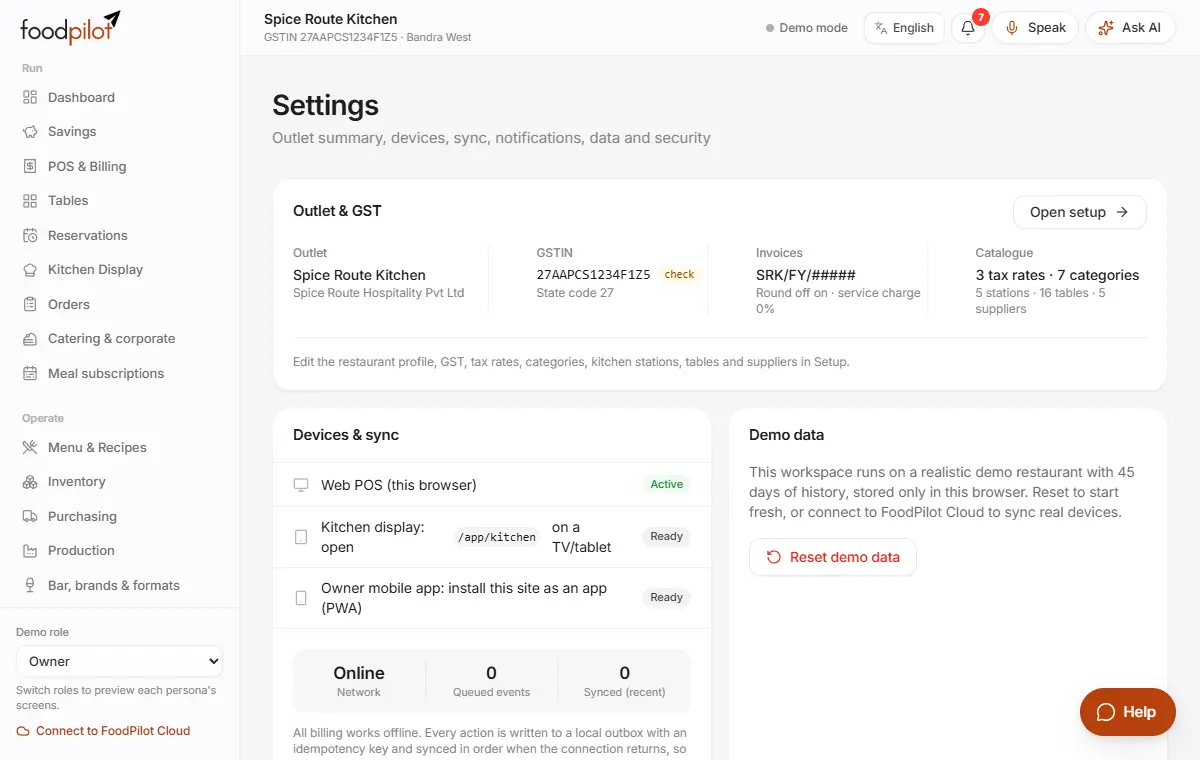
Settings → Devices & sync
- Step 1: See the network, queued changes and recently synced changes.
- Step 2: Under FoodPilot Cloud, see any changes the server refused.
Tips
- Manager PIN approvals work offline. The owner reviews them later in Roles & approvals → Audit.
- Kitchen screens on other devices get new tickets once the POS is back online. A printer connected to the POS keeps printing KOTs offline.
- After a long outage, keep the app open until the status shows Synced.
Common problems
- The status stays Offline.
- Check Wi-Fi or mobile data. On the "You're offline" page, tap Try again. Billing keeps working meanwhile.
- Settings shows changes rejected by the server.
- Some changes were refused, for example by someone without permission. Open Settings → FoodPilot Cloud to see which ones.
- I need to change outlets while offline.
- Wait until you're back online and synced. Switching outlets with unsynced changes discards them.